




I wrote our original parents guide to Roblox back in early 2023, when my youngest was just starting to discover it and my eldest had already racked up a Robux bill that required a Serious Conversation. Three years on, Roblox has changed more than I expected — new safety features, new spending traps, a much older user base than most parents realise, and a handful of genuinely welcome improvements to parental controls. Enough has shifted that the old guide, while still useful for the basics, needed a proper update rather than a few edits around the edges.
This is that update. If you’ve never read the original, start there for the foundations — this piece covers what’s changed in 2026, what you need to check even if you set things up years ago, and where Roblox still falls short. Same voice, same approach: written by a dad who plays games, not someone who’s copy-pasted a press release and called it journalism.
What Roblox actually is in 2026
If you haven’t looked at Roblox since your child first downloaded it, the platform has grown into something quite different from the blocky little game engine it started as. Roblox isn’t a game — it’s a platform that hosts millions of games, experiences, and social spaces built by other users. Think of it like YouTube, except instead of watching videos your child is playing games made by a mixture of professional studios, hobbyist developers, and other children.
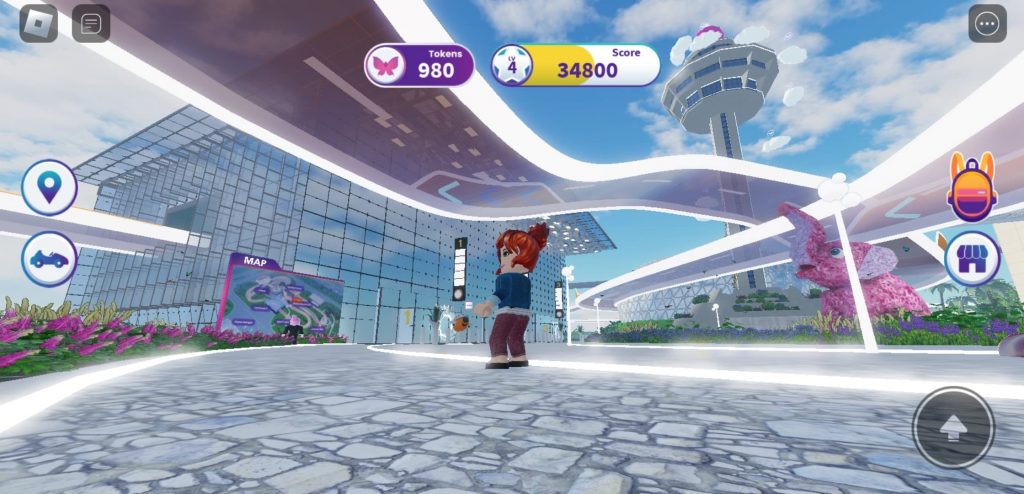
The user base has shifted significantly. Roblox now reports that over half its daily active users are aged 13 and above, with the fastest-growing segment being 17-to-24-year-olds. Your child is no longer just playing with other children — they’re sharing spaces with university students and young adults. That’s not inherently dangerous, but it’s worth knowing, because the content and conversations reflect that older audience. Some of the most popular experiences in 2026 deal with horror themes, social roleplay with mature scenarios, and competitive games that would have been unthinkable on the platform five years ago.
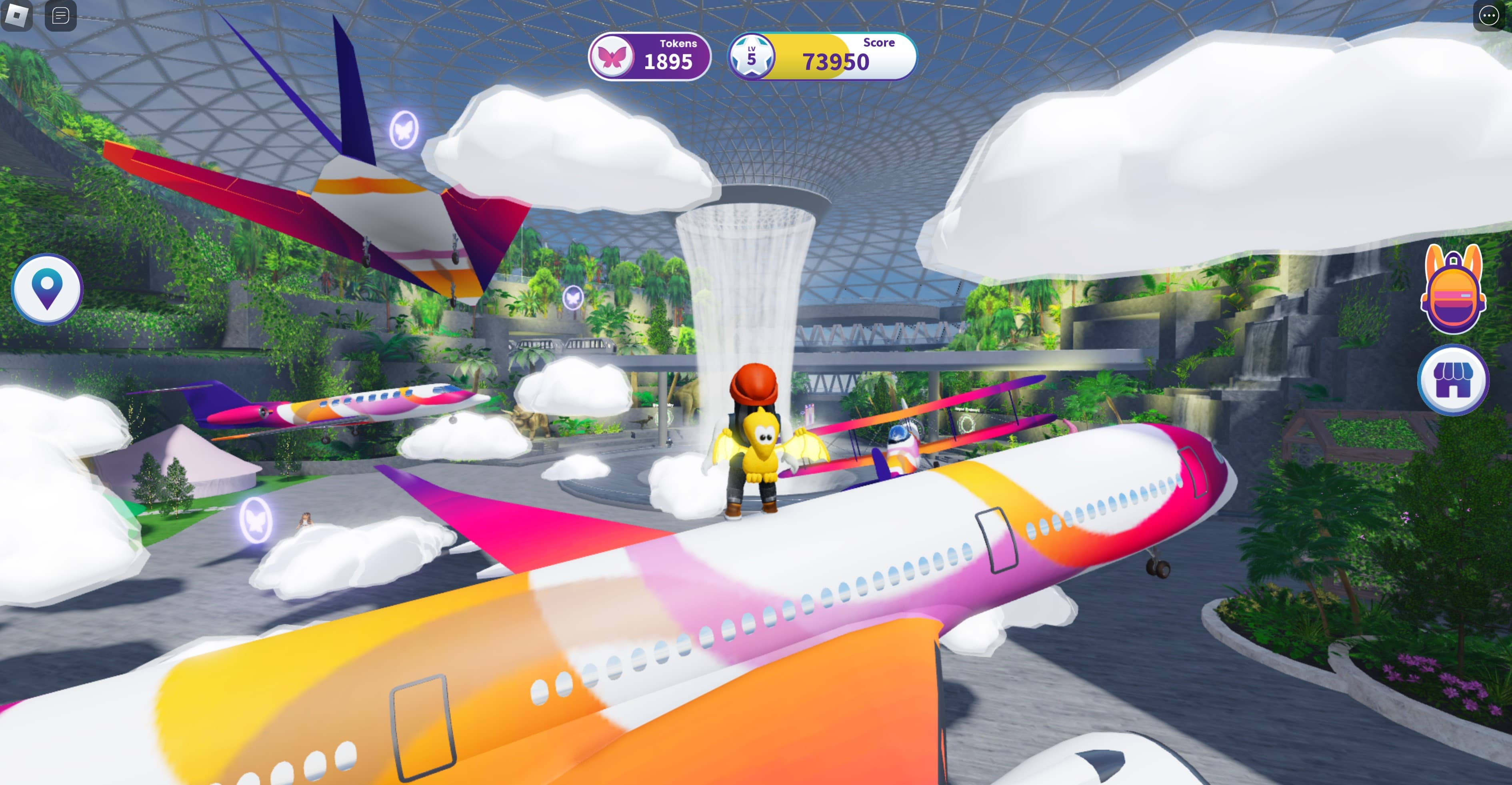
Roblox is available on phones, tablets, PC, Xbox, PlayStation, and Meta Quest VR headsets. The VR version, in particular, brings a new dimension to the social interaction element — voice chat in a virtual space feels significantly more immersive (and potentially more intense for younger players) than text on a screen.
Age ratings and content: what’s changed
The biggest structural change since 2023 is Roblox’s experience rating system. Every experience on the platform now carries an age label — essentially content ratings applied by the developers themselves, with Roblox reviewing and enforcing them. The categories are:
- All Ages — suitable for everyone, no violence or mature themes.
- 9+ — mild violence, light fear elements.
- 13+ — moderate violence, moderate crude humour, some romantic themes.
- 17+ — introduced in late 2023 and expanded since. Stronger violence, blood, crude humour, romantic themes. Requires age verification to access.
This is a genuine improvement. In 2023, everything on Roblox existed in one undifferentiated bucket, and your seven-year-old could stumble into a horror game or a dating simulator with no gate whatsoever. The rating system isn’t perfect — it relies partly on developers self-classifying, and enforcement is inconsistent — but it’s a real step forward. You can now restrict your child’s account to only access experiences rated for their age group, and you absolutely should.
Roblox also introduced mandatory age verification for 17+ content, using government ID or estimated age via facial analysis. It’s clunky and raises its own privacy questions, but it does create a meaningful barrier between younger players and the more mature content that’s now on the platform.
Robux spending in 2026
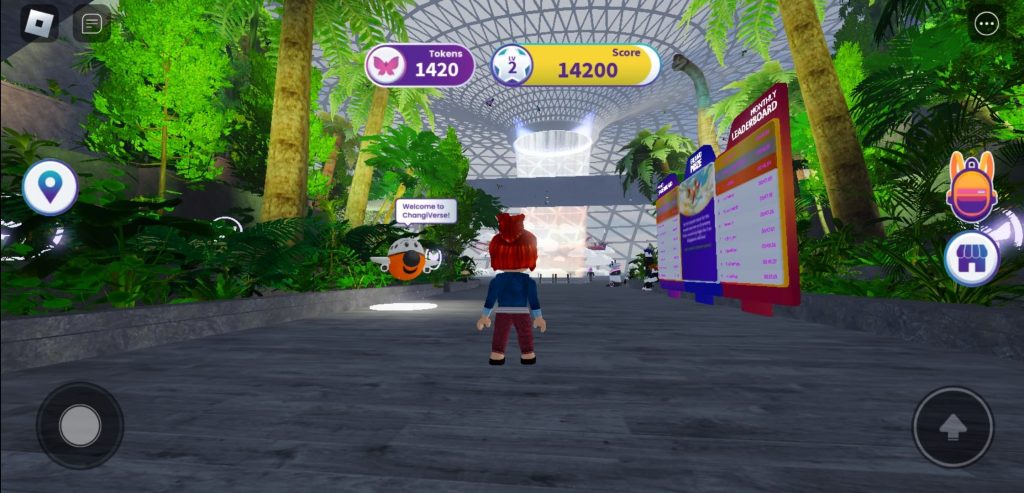
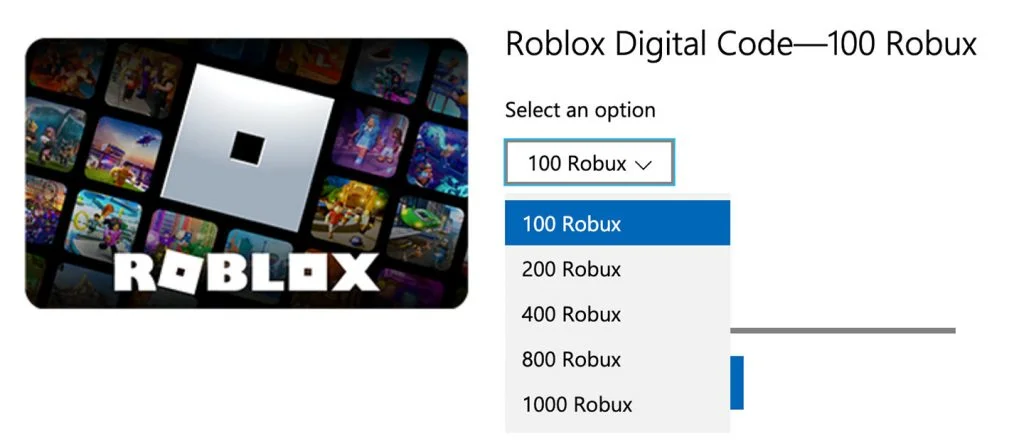
Robux — Roblox’s in-game currency — remains the thing most likely to cause an unpleasant surprise on your bank statement. The mechanics haven’t changed much: players buy Robux with real money and spend it on avatar items, game passes, and in-experience purchases. What has changed is the sheer volume of things to spend on and the sophistication of the psychological hooks.
Current UK prices for Robux (as of early 2026):
- 400 Robux: approximately £4.49
- 800 Robux: approximately £8.99
- 1,700 Robux: approximately £17.49
- 4,500 Robux: approximately £44.99
- 10,000 Robux: approximately £89.99
The Roblox Premium subscription (£5.49/month for the basic tier) gives a monthly Robux allowance and a 10% bonus on purchases. Some parents find this useful as a built-in budget — you give the child a fixed monthly amount and that’s their lot. Others, reasonably, object to putting a child on a subscription. Your call.

The most important change in 2026 is that Roblox now surfaces spending summaries in parental controls — you can see how much your child has spent, in which experiences, over what time period. This didn’t exist three years ago and it’s extremely useful. Use it. Check it monthly at minimum. The pattern I see most often isn’t a child making one huge purchase, it’s dozens of small ones that add up to an eye-watering total before anyone notices.
Remove saved payment methods from the account. Buy Robux gift cards from supermarkets instead. When the card’s empty, it’s empty — that’s a much clearer boundary for a child than an abstract number on a screen.

Chat, moderation, and the bits that worry you
Roblox has text chat, voice chat (for verified users aged 13+), and private messaging. The text chat filter has improved — it’s less aggressive about blocking innocent words while being better at catching genuinely problematic content — but no automated filter is going to catch everything, and determined bad actors can work around any system.
Voice chat, branded as “Roblox Connect,” requires age verification and is only available to users who’ve confirmed they’re 13 or older. This is an area where Roblox has been more cautious than many competitors, and it’s the right call. If your child is under 13, they shouldn’t have access to voice chat at all, and the verification requirement makes that harder to circumvent than a simple checkbox.
Moderation remains Roblox’s weakest area, honestly. The platform hosts millions of experiences and policing them all is a genuinely impossible task. Roblox uses a combination of AI moderation, human reviewers, and community reporting, but inappropriate content — scam games, experiences with sexual themes hiding behind innocuous names, predatory chat behaviour — still surfaces. It’s less common than it was in 2023, but it hasn’t been solved.
The practical response is the same as it’s always been: talk to your child about what they’re playing, check their friends list occasionally, and make sure they know they can tell you if something makes them uncomfortable without fear of losing access to the game entirely. The children who get into trouble on Roblox are overwhelmingly the ones whose parents set it up once and never looked at it again.
Parental controls: the 2026 version
Roblox’s parental controls have improved meaningfully since 2023, and if you set things up years ago, it’s worth going back in to check the new options. Here’s what to do:
Setting up or updating controls
- Log into roblox.com with your child’s account, go to Settings > Parental Controls and link your own email as the parent.
- Set a Parental PIN — this prevents your child from changing restrictions without you.
- Choose allowed experience ratings based on your child’s age. For under-9s, restrict to “All Ages” only. For 9-12, include the “9+” tier. Think carefully before enabling 13+ content.
- Review communication settings: you can restrict who can message, friend, and chat with your child. “Friends” or “No one” are the safest options for younger players.
- Check the spending summary — new in 2025/2026 — to see recent Robux transactions broken down by experience.
- Enable monthly screen time reports, which Roblox now emails to the linked parent address.
Device-level controls
- iOS: Use Screen Time to set daily limits for Roblox specifically, and disable in-app purchases unless you enter a passcode. This is your single best defence against unexpected spending.
- Android: Google Family Link lets you set app time limits and require approval for purchases.
- Xbox/PlayStation: Console-level family settings apply across all games, including Roblox. Set spending limits and communication restrictions at the console level as an extra layer.
If you’re part of our parents guide series, you’ll notice the advice is consistent across every game — set controls at both the game level and the device level. Belt and braces. It takes fifteen minutes and prevents months of worry.
The honest truth is that Roblox in 2026 is safer than Roblox in 2023, but it’s also bigger, more complex, and attracting an older audience that brings older-audience content with it. The rating system helps. The parental controls help. But neither replaces the simple act of sitting next to your child every now and then, watching what they’re doing, and having a conversation about it. My youngest still shows me her latest avatar outfit every time she changes it, and that small, slightly tedious ritual is worth more than any content filter Roblox will ever build…
Frequently asked questions
Is Roblox safe for my child in 2026?
Safer than it was, but not risk-free. Roblox has added experience ratings, improved parental controls, and better chat moderation. But the platform is vast and user-generated, so inappropriate content can still appear. With proper parental controls and occasional check-ins, most children use it without any issues.
What age should my child be to play Roblox?
Roblox is rated PEGI 7 in the UK. Most children aged 7 and above can handle the “All Ages” experiences comfortably. The key variable isn’t the game content — it’s the online social element. If your child understands not to share personal information and can tell you if something makes them uncomfortable, they’re probably ready. Set the age-appropriate content restrictions regardless.
How do I stop my child spending money on Roblox?
Remove all saved payment methods from the account and disable in-app purchases at the device level (Screen Time on iOS, Family Link on Android). Buy Robux gift cards from supermarkets instead — when the balance is zero, spending stops naturally. Check the spending summary in parental controls monthly.
Can strangers talk to my child on Roblox?
By default, yes — via text chat. Voice chat requires age verification (13+). You can restrict communication to “Friends only” or “No one” in parental controls. For younger children, restricting chat to friends only is strongly recommended.
What’s changed about Roblox since 2023?
The biggest changes are the experience rating system (All Ages, 9+, 13+, 17+), mandatory age verification for mature content and voice chat, improved parental spending summaries, and monthly screen time reports. The platform has also grown older — over half of daily users are now 13+, which affects the type of content and conversations your child encounters.
Does Roblox have 17+ content now?
Yes. Since late 2023, Roblox has allowed 17+ rated experiences with stronger violence, blood, and mature themes. Access requires age verification via ID or facial estimation. If your child’s account is set to their real age and parental controls are configured, they shouldn’t be able to access this content.
Is Roblox Premium worth it for children?
It depends on how much your child plays. At £5.49/month, Premium gives a monthly Robux allowance and a purchase bonus. Some parents use it as a built-in budget — the child gets a fixed amount and that’s it. If your child plays daily and would otherwise ask for Robux regularly, it can actually reduce the nagging and the spending. If they play occasionally, it’s a waste of money.
Should I play Roblox with my child?
If you can stomach it, yes. You don’t need to become a regular player, but spending half an hour in the experiences your child plays most will give you more insight than any article (including this one). You’ll understand the appeal, see how the social features work, and be able to have much more informed conversations about what’s appropriate and what isn’t.
This is an update to our original parents guide to Roblox. For more in our parents and gaming series — including guides to Fortnite, Warframe, and age-appropriate game picks — browse the parents guide series.
Latest
-

The Planet Crafter Is Coming to Consoles in July
-
Go North: Atmospheric Maze Adventure
-
Unyverse: Afrofuturist Action RPG
-
The Mound: Omen of Cthulhu Demo Launches During Steam Next Fest
-
Woodo: Handcrafted Wooden Puzzle Game Captures Childhood Wonder
-
The Walking Dead: Streets of Survival
-
Skatesterre: New Arcade Skateboarding Game Announced for Summer 2026 Release
-
My Top 10 Boxing Games (2026)







Latest Previews
Lost Gems
-
Top 10 Meta Quest 2 Games For Children
-
Stormforce Gaming & The Prism iCue 6209
-
Licensed Xbox Games for Kids 2022/23
-
New Mods for Minecraft Bedrock 2023
-
The 6,6,6 Scariest Games of 2022
-
5 Great Udemy Courses For New Game Developers
-
Hearthstone Alternatives For Lovers of Card Games
-
My Top 10 Star Wars Games of All Time
-
5 of the Most Interesting Mobile Games at EGX Rezzed
-
11 Wicked Witches in Video Games | Halloween Special
-
Beginners Guide to Pokemon Go [Updated]
-
Advanced 2D and 3D Game Development Software
-
My Top 5 Boxing Games
-
Parents Guide to Minecraft
-
10 Great Kids Games From 2016 on Xbox One
















You must be logged in to post a comment Login